XERO的Quote和Invoice导入DEC (dhlexpresscommerce)
需求:
朋友的公司使用XERO创建订单,要通过DHL的DEC (dhlexpresscommerce)系统发货。
XERO的Quote和Invoice长这样
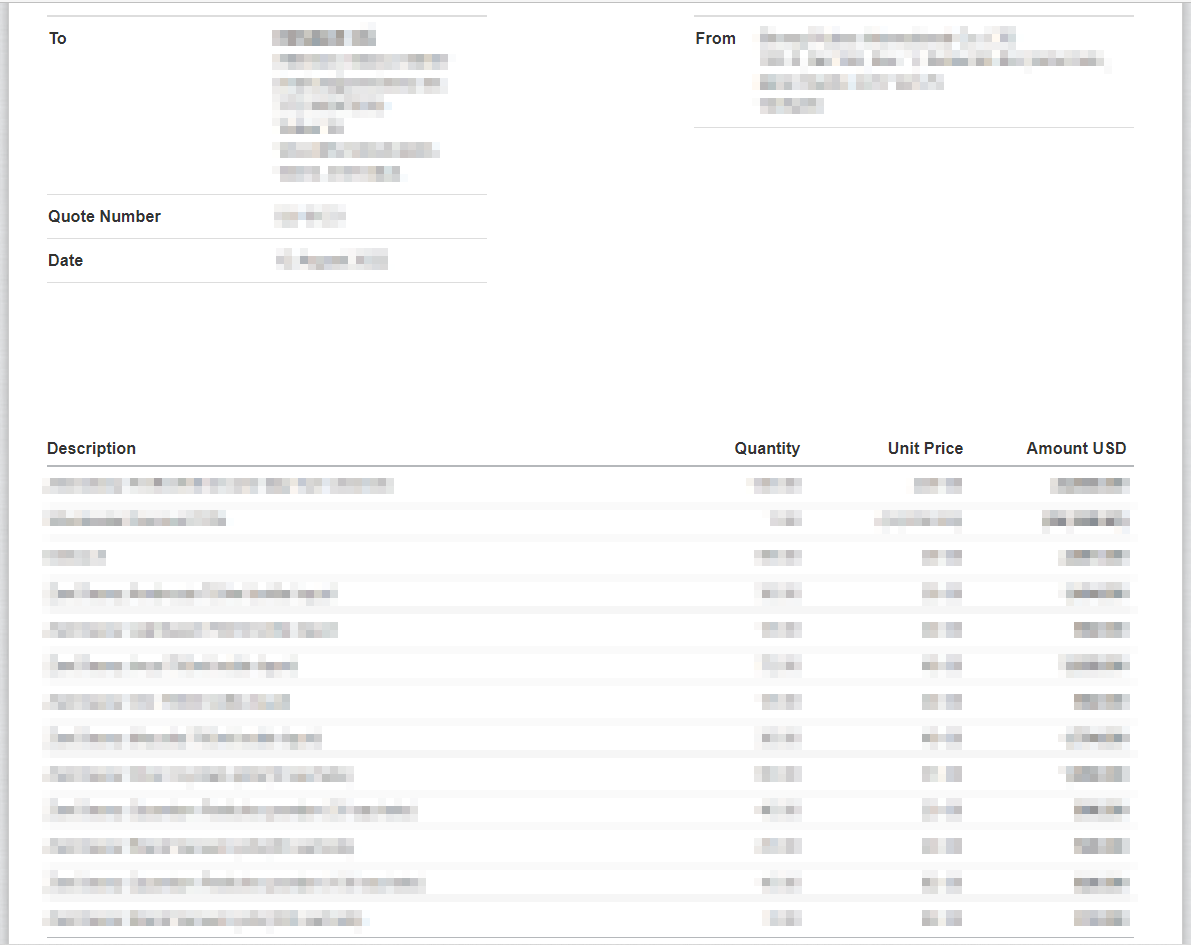
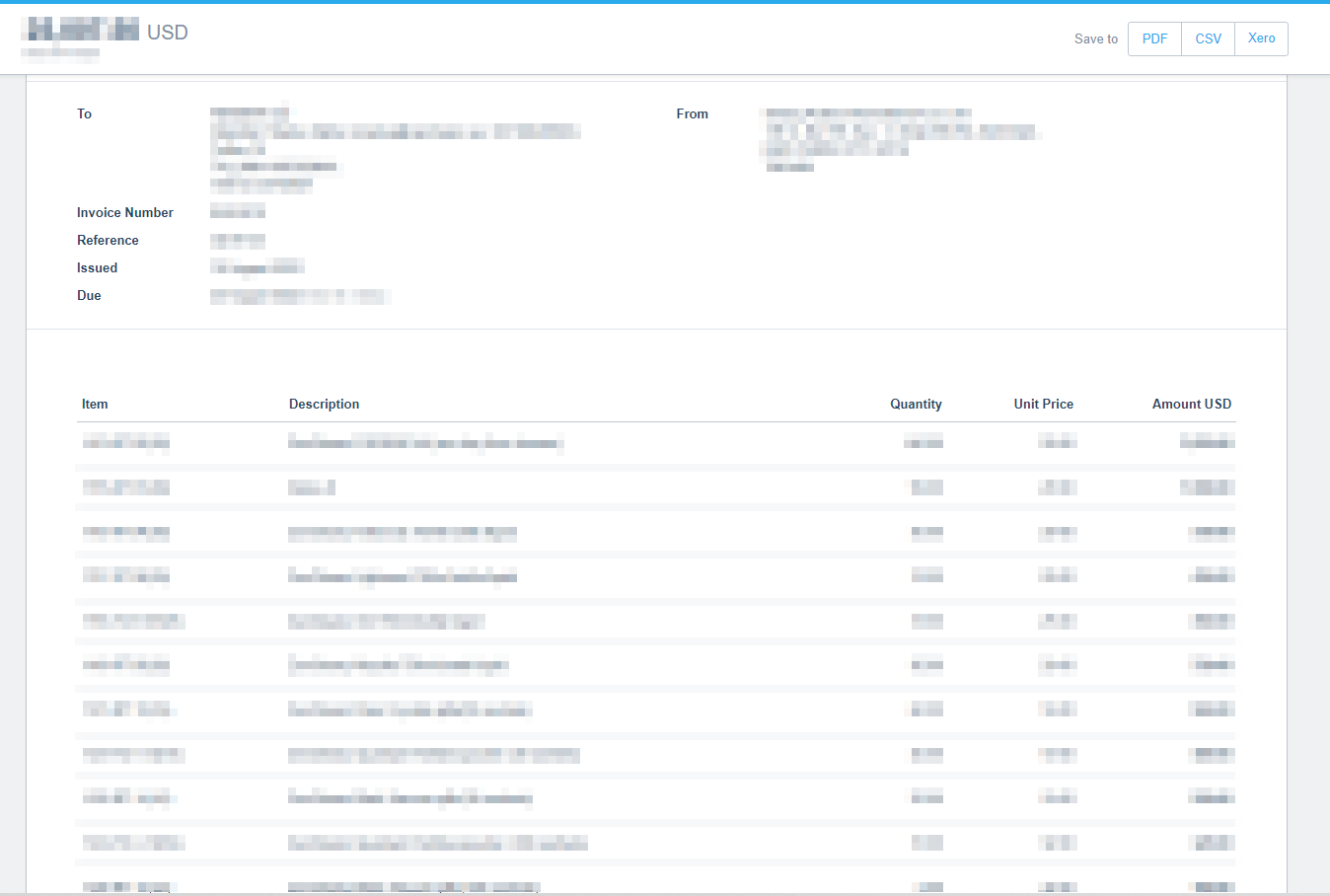
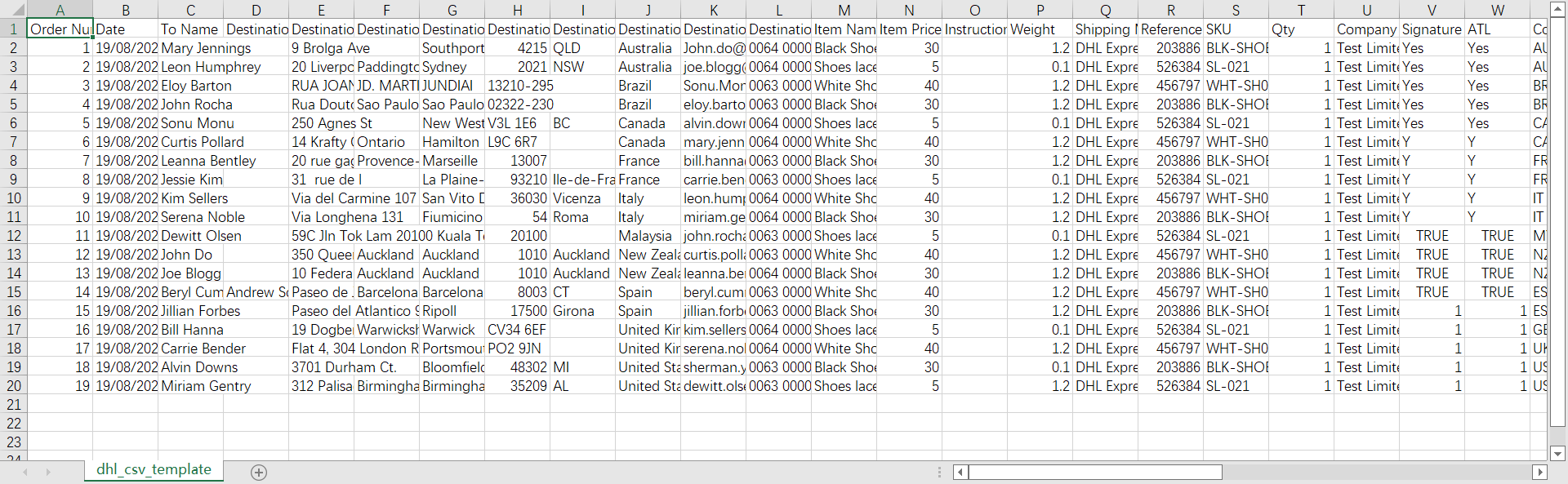
DEC的csv文件模板长这样
https://dhlexpresscommerce.com/ClientBin/dhl_csv_template.csv
XERO的Quote没有导出csv格式的功能;INVOICE有导出csv的功能,但是导出来的文件里面没有收件人的地址信息,反而有寄件人的信息。
那只能从页面上手工复制这些信息了。用Excel做转换。
参考:
通过索引号引用工作表
https://docs.microsoft.com/zh-cn/office/vba/excel/concepts/workbooks-and-worksheets/refer-to-sheets-by-index-number
使用 A1 表示法引用单元格和区域
https://docs.microsoft.com/zh-cn/office/vba/excel/concepts/cells-and-ranges/refer-to-cells-and-ranges-by-using-a1-notation
使用索引编号来引用单元格
https://docs.microsoft.com/zh-cn/office/vba/excel/concepts/cells-and-ranges/refer-to-cells-by-using-index-numbers
使用 Do...Loop 语句
https://docs.microsoft.com/zh-cn/office/vba/language/concepts/getting-started/using-doloop-statements
实施:
Sub button1_Click()
    'Load param
    input_To_Name = Worksheets(2).Range("B1").Value
    input_Destination_Email = Worksheets(2).Range("B2").Value
    input_Destination_Phone = Worksheets(2).Range("B3").Value

    input_Destination_Street = Worksheets(2).Range("B5").Value
    input_Destination_City = Worksheets(2).Range("B6").Value
    input_Destination_Postcode = Worksheets(2).Range("B7").Value
    input_Destination_State = Worksheets(2).Range("B8").Value
    input_Destination_Country = Worksheets(2).Range("B9").Value

    input_Order_Number = Worksheets(2).Range("B11").Value
    input_Date = Worksheets(2).Range("B12").Value

    input_Shipping_Method = Worksheets(2).Range("B14").Value
    input_Company = Worksheets(2).Range("B15").Value
    input_Code = Worksheets(2).Range("B16").Value
    input_Contents = Worksheets(2).Range("B17").Value
    input_Country_of_Manufacturer = Worksheets(2).Range("B18").Value

    'Load order
    i = 2
    Do While Worksheets(1).Cells(i, 2).Value <> ""
        input_Item_Name = Worksheets(1).Cells(i, 2).Value
        input_Qty = Worksheets(1).Cells(i, 3).Value
        input_Item_Price = Worksheets(1).Cells(i, 4).Value

        'Write Result
        Worksheets(3).Cells(i, 1).Value = input_Order_Number
        Worksheets(3).Cells(i, 2).Value = input_Date
        Worksheets(3).Cells(i, 3).Value = input_To_Name
        Worksheets(3).Cells(i, 5).Value = input_Destination_Street
        Worksheets(3).Cells(i, 7).Value = input_Destination_City
        Worksheets(3).Cells(i, 8).Value = input_Destination_Postcode
        Worksheets(3).Cells(i, 9).Value = input_Destination_State
        Worksheets(3).Cells(i, 10).Value = input_Destination_Country
        Worksheets(3).Cells(i, 11).Value = input_Destination_Email
        Worksheets(3).Cells(i, 12).Value = input_Destination_Phone
        Worksheets(3).Cells(i, 13).Value = input_Item_Name
        Worksheets(3).Cells(i, 14).Value = input_Item_Price
        Worksheets(3).Cells(i, 17).Value = input_Shipping_Method
        Worksheets(3).Cells(i, 20).Value = input_Qty
        Worksheets(3).Cells(i, 21).Value = input_Company
        Worksheets(3).Cells(i, 32).Value = input_Code
        Worksheets(3).Cells(i, 35).Value = input_Contents
        Worksheets(3).Cells(i, 37).Value = input_Country_of_Manufacturer

        i = i + 1
    Loop


End Sub
GitHub
https://github.com/crazypeace/XERO-Quote-or-Invoice-to-DEC-csv

 博文
博文


